Corporate holiday parties are not booked in December. They are booked in October and November, when budgets get approved and HR teams start hunting for a venue, a menu and a price per person. If your restaurant has its Christmas menu ready in October, you go straight to the top of their list. Wait until December and the best dates are already gone.
The same goes for groups of friends and family tables: everyone starts early. Preparation needs order, not stress. Below you will find nine steps, from concept and costing all the way to the January review. Most of them happen inside your digital menu, with no print shop and no last minute panic.
1. Lock the festive menu concept in October
Start with the big picture. Do you want a classic holiday table, modern takes, or a mix with two or three signature dishes? Keep the list tight: a few dishes that come out consistently on a packed night beat twenty experiments. Talk to your chef and suppliers early about seasonal availability and orders. Decide which dates you open for groups and how many guests your dining room can handle per night. When a company asks for your festive menu, the venue that replies the same day wins the booking. Your October goal: the final Christmas menu on paper, ready for costing.
2. Cost your dishes with winter prices
Winter has its own costs, and electricity sets the tone. Wholesale prices climbed from 73.15 euros per MWh in August 2025 to 111.47 euros in October, a 52 percent rise in just two months. Cost every festive dish with winter numbers: energy, seasonal ingredients, extra staff on peak nights. Test the recipes in real portions to see the true food cost. Set your margins now, with a clear head, not under pressure in December. That way your set menu prices come out fair for the guest and sustainable for you.
3. Create a separate festive section in your digital menu
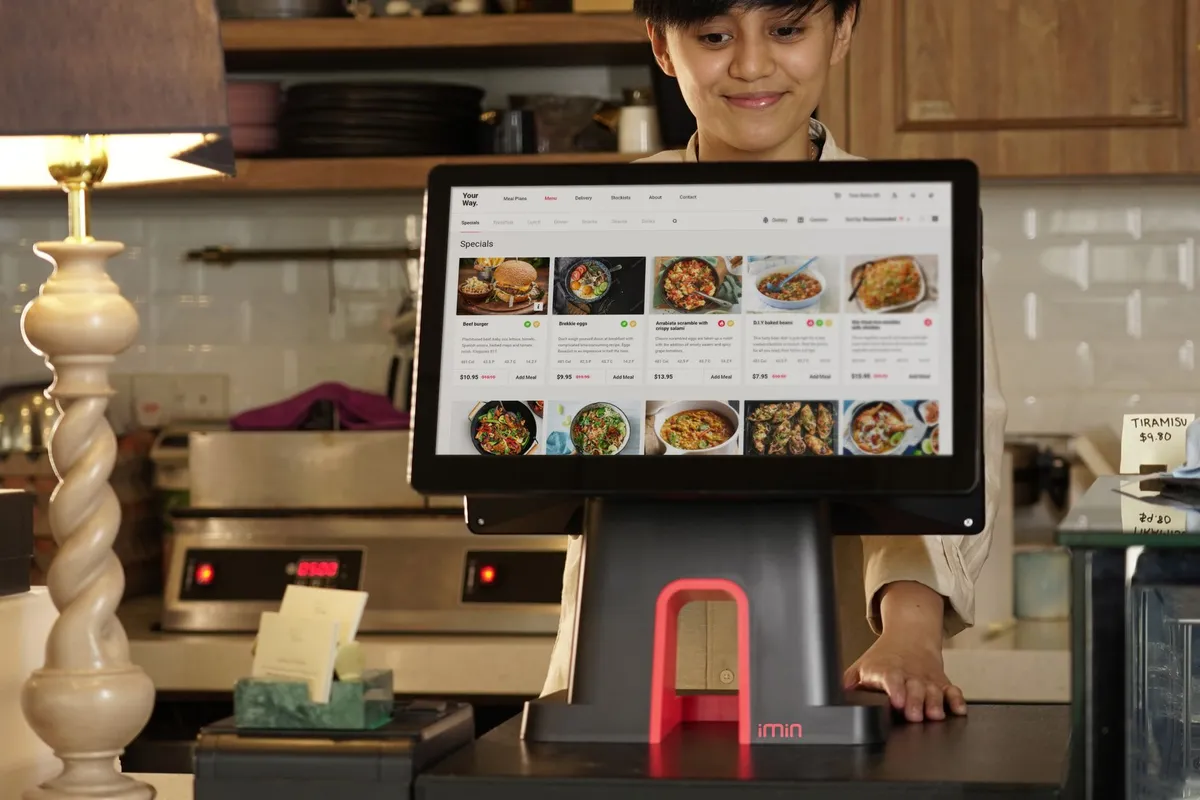
Do not bury the festive dishes inside your main catalogue. Give them their own section, for example a Christmas menu, so guests find it in one tap. In a digital menu every change happens in real time: you add dishes, adjust prices and remove anything that runs out, with no reprints. Add photos that show each dish as it is actually served and mark the allergens from day one. Your main catalogue stays clean and the festive section goes live or offline whenever you want. When December arrives you will be tweaking details, not rebuilding the whole menu.
4. Build set menus for groups and corporate parties
Companies decide with simple numbers. Create two or three set menus with a fixed price per person:
Add vegetarian options and clear allergen notes, because organisers ask about these first. Set a minimum group size and a deposit policy to protect your peak nights. Bookings are made by phone or email directly with your restaurant. The digital menu is your shop window: the organiser opens it on their phone and shares it with the team through a single link, no PDFs or attachments.
- Value set: starters, a main dish and dessert at one price per person
- Full set: more choices for mains plus house wine in a carafe
- Premium set: upgraded dishes, a bottle of wine and a festive dessert
5. Dress the menu in festive branding
The holiday mood sells before the first plate arrives. With the full branding and custom background of the Basic plan, your menu puts on its festive outfit: colours, background and photos with a Christmas feel. If you run more than one location, keep the look consistent everywhere so guests recognise your brand at every touchpoint. That consistency counts double for corporate parties, where the organiser judges your professionalism through every detail. A festive menu that looks polished builds trust before they even pick up the phone.
6. Show the restaurant Christmas menu from November
The QR code on the table is your cheapest advertising channel. A guest who scans in November to browse the menu also lands on the festive section. That is where the idea is born: let's hold the team party here. Your November regulars are your warmest audience, because they already know and trust you. Give them a reason to ask about available dates before they leave. A small table sign or a quick word from your staff is enough to start the conversation.
7. Speak the language of city break tourists
The season no longer ends in September. October 2026 brings 20.3 percent more international airline seats, the biggest increase of the season, and city breaks keep filling Greek cities right up to the holidays. A festive menu written only in Greek leaves those visitors out. With up to 6 menu languages, tourists read your festive dishes in their own language and order with confidence. Make sure the translation covers the festive section too, not just the main catalogue. See how digital menu translation wins over tourists.
8. Run Offers for early bookings
Early bookings need a small nudge. Think of a welcome drink, a dessert or a sweet treat for groups that confirm a date by late November. Set it up as an Offer inside your digital menu, with a clear description and an expiry date. The deadline creates momentum: anyone thinking they will decide later now has a reason to decide today. Every offer that appears at the table works for you with zero advertising cost, in front of people already sitting in your restaurant.
9. Review the season with analytics in January
The season does not end with the party, it ends with the lessons. In January, open the digital menu analytics and check:
Compare the data with your sales to spot dishes that drew attention but did not sell. Keep what worked, cut what stayed on the shelf. Next year's plan gets built on data instead of guesswork, and every season you get sharper.
- Which dishes in the festive section guests viewed the most
- Which languages were used and how often
- Which days and hours had the most scans
Your holiday season starts now
A Christmas menu for your restaurant is not a one week project: it is nine small steps starting in October. Pair it with a fresh winter menu to cover the whole season, not just the holidays. And if you do not have a digital menu yet, take a calm look at the Loudlink plans: the 14 day free trial gives you time to set everything up before the tables fill.