You built a digital menu, printed the QR and stuck it on the wall next to the till. A week goes by and guests still ask for "a menu, please".
The problem is rarely the menu. It is where you put your menu QR code. If a guest does not see it right away, they usually will not look for it. See 7 spots that work. See also how to print the code, so a digital QR menu opens first time.
What you lose when guests cannot find the QR
A guest who cannot find the code waits. They raise a hand, call the waiter or just order one iced coffee and nothing else. You lose time in service and you lose the second order.
When the code is right in front of them, though, the menu is what they look for first. Scanova, a company that makes QR codes, analysed 7.4 million scans across 52 hotel brands. Menu QR codes drew more scans than any other use. This is hotel data from an industry vendor, so keep the trend: people want to see the menu, as long as they can find the code.
1. In the middle of every table
The table is spot number one. That is where the guest sits, looks and holds their phone.
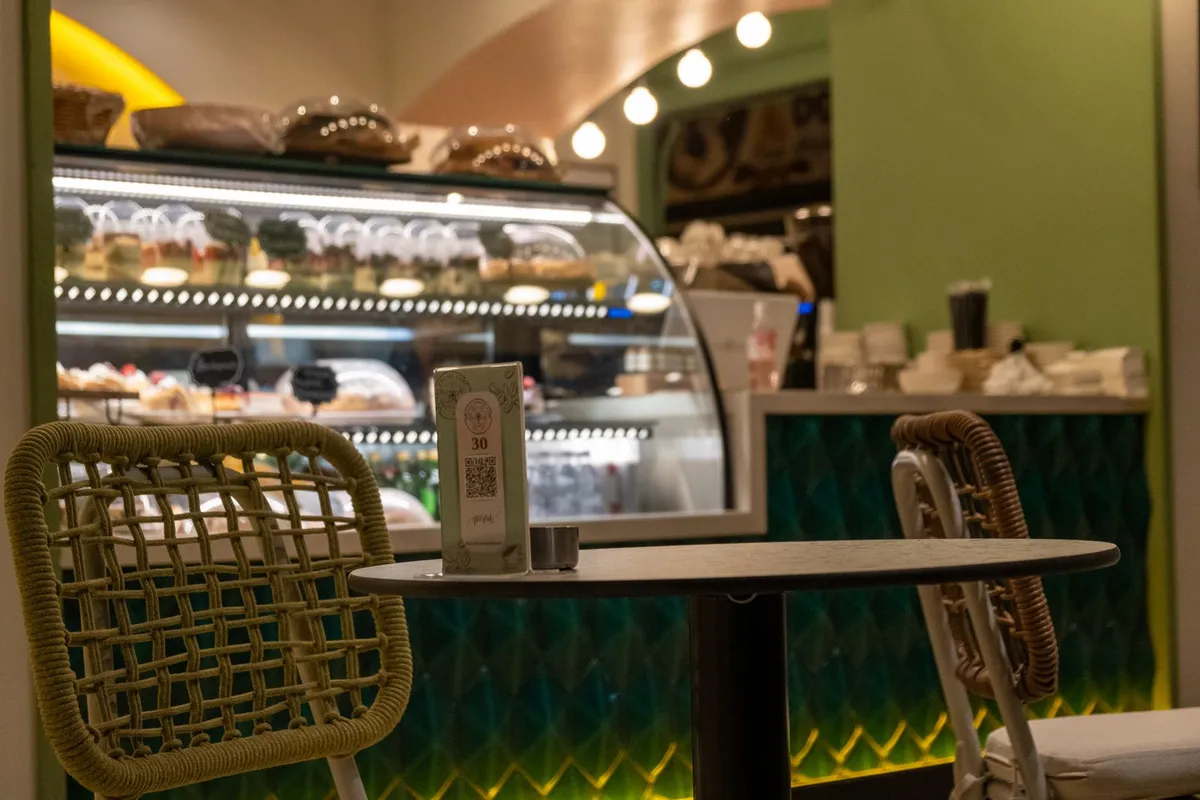
Put a stand on every table, not one for the whole room. In the middle, upright, with the code facing the chairs. If the table is long, use two, one at each end.
A sticker on the table works too. But it wears out with wiping and hides under plates. A stand stays visible and looks cared for.
2. On the window and the door
Many people decide whether to come in before they sit down. They check prices from outside, especially tourists and families.
Stick the QR on the window, at eye level, with one line above it: "See our menu before you come in". Passers-by see prices and dishes on their phone and walk in knowing what they want.
In winter this counts double. In the cold nobody stands outside to read a small board.
3. On the counter and at the till
At a take away or a bar the guest does not sit. They stand in the queue and look at the counter.
Put a stand next to the till, where they wait. While they wait, they choose. When their turn comes, they already know what to order and the queue usually moves faster.
4. Where people wait
On a Saturday night you have people waiting for a table. Those ten minutes are wasted, unless you use them.
A QR at the entrance or where people stand makes the wait useful. Guests sit down having already chosen, and the table can turn faster.
5. Where there is light, especially in winter
In November people move indoors or onto closed terraces. Light fades early, heaters come on, and a QR in the shadow does not scan.
Check every spot in the evening, with your service lights on. If the code sits in shadow or reflects a lamp, move it. A matte stand near a light source scans far more easily than a glossy sticker in a corner.
6. In rooms, by the pool and for room service
If you run a hotel, the menu does not live only in the restaurant. Guests want it in the room, by the pool, at the lobby bar.
Put a QR on the bedside table, on the room desk and on the pool tables. One code per spot, with a clear title such as "Room service" or "Pool bar". See more in the 7 reasons hotels choose a QR menu.
7. Outside the venue too: on Google and Instagram
The QR is for people who are already inside. Someone searching from home needs a link.
Add your menu link to your Google profile, your Instagram bio and your Facebook page. It is the same link as the QR, so anything you change shows everywhere at once.
How to print your menu QR code so it scans first time
The right spot is not enough if the code is small or blurry. Before you print, check the following:
- Size: about 3 centimetres per side or more on a table. Larger on a window, which people see from a distance.
- Contrast: a dark code on a light background. Avoid inverted codes and pastel colours.
- Space around the code: the camera needs a clean white margin, known as the quiet zone. Do not put logos or text right against its edges.
- Matte surface: glossy laminated paper reflects light and confuses the camera.
- One short instruction: "Scan for the menu". Without it, many people do not know what the little square is.
- Test: scan it with three different phones, from where the guest sits, before you put it everywhere.
You print the QR once, the menu changes as often as you like
This is the big difference between a real digital menu and a PDF. With a PDF, every new price means a new file. Often it also means a new code, so new stands and new stickers.
At Loudlink the code stays the same. You change prices, dishes and photos from your phone, as often as you like, with no charge per change. The stands you put out today still work next year, as long as your menu is active.
What Loudlink does not do
To be honest: Loudlink does not take orders, reservations or payments at the table. The code opens your menu, nothing more.
That is a choice. A menu that opens fast and reads easily, in up to 6 languages. Venues like Big Nick, Lesvion and Captain John already use it exactly that way.
What it costs to put QR codes across your venue
Start with the old way. A batch of printed menus comes to roughly 155 € per cycle, as we measured in how much a digital menu costs in 2026. And every price change opens the bill again.
The digital menu with a high resolution QR code is included in every plan. Basic costs 9 € per month (excluding VAT) billed annually. That is 108 € a year, less than one reprint. Premium also includes up to 150 free QR stickers.
For your tables, see the QR code stands in wood and acrylic, quoted by quantity. And see the full plans and pricing.
Frequently asked questions about your menu QR code
Four questions we often hear from owners:
- How many QR codes do I need? One on every table, one on the window and one at the till. They all point to the same menu.
- Does the guest need an app? No. They open the phone camera, scan, and the menu opens in the browser.
- If I change prices, do I reprint the QR? No. The code stays the same and always shows the latest version of your menu.
- Should I keep a printed menu too? If you like, one or two for guests without a phone. Leave the rest to the QR.
The bottom line
Your menu QR code works when guests see it without looking for it. Table, window, till, waiting area, and always in the light. Take ten minutes tonight and look at your venue through a guest's eyes.
No digital menu yet? Start a free 14-day trial, with no credit card and no commitment. In a few minutes your menu is live and you download your code to print it today.