The Nativity Fast starts on 15 November and lasts 40 days, until 24 December. For many of your guests that means one thing: they search the menu for what they can eat.
If the Lenten menu of your restaurant is two salads and a bean soup at the bottom of the page, you are losing tables. Here are 7 steps to set it up properly, starting now. They work best on a digital QR menu you can change whenever you like, but they apply to print too.
What you lose when Lenten dishes are hidden
A guest who is fasting does not ask the waiter about every dish. They scan quickly, find nothing and order the safest option: a salad and a glass of water.
Often they do not come at all. A group with one person fasting picks the place that clearly shows what they can eat. The table of four goes across the street.
And fasting is not a small market. During Easter Lent, for example, sales of pulses and rice rise 15% to 25% in Greek supermarkets, depending on the chain. The big restaurant chains know it and prepare Lenten options. The same audience is looking at your venue too.
1. Start in October, not on 14 November
By 15 November you need to know which dishes you will serve, what they cost and where guests will find them.
Test two or three new dishes as a dish of the day from now on. Keep the ones that sell and drop the ones that stay in the kitchen.
The fast also overlaps with holiday preparation. If you are already planning festive dinners, see the 9 steps for your Christmas menu.
2. Give your Lenten menu its own category
Do not scatter Lenten dishes across starters, salads and mains. Create one category, for example "Lenten dishes", and put it near the top.
The guest opens it and sees all their options together. They do not read the whole menu to find three dishes.
At Loudlink the order of categories is the order the guest sees. You move "Lenten dishes" to the top and move it back down after the holidays.
3. Write clearly what each dish contains
Lenten does not mean the same thing to everyone. Some eat seafood, some skip oil on Wednesdays and Fridays. During the Christmas fast fish is allowed on most days, so your fish dishes belong in the Lenten category too. Help them choose without questions.
Note in the description whether a dish contains oil, seafood or fish. A short label such as "no oil" or "with squid" is enough.
Watch the allergens too. Lenten dishes often contain sesame from tahini, molluscs and crustaceans. See the rules in the 7 steps to listing allergens correctly.
4. Build dishes worth their price
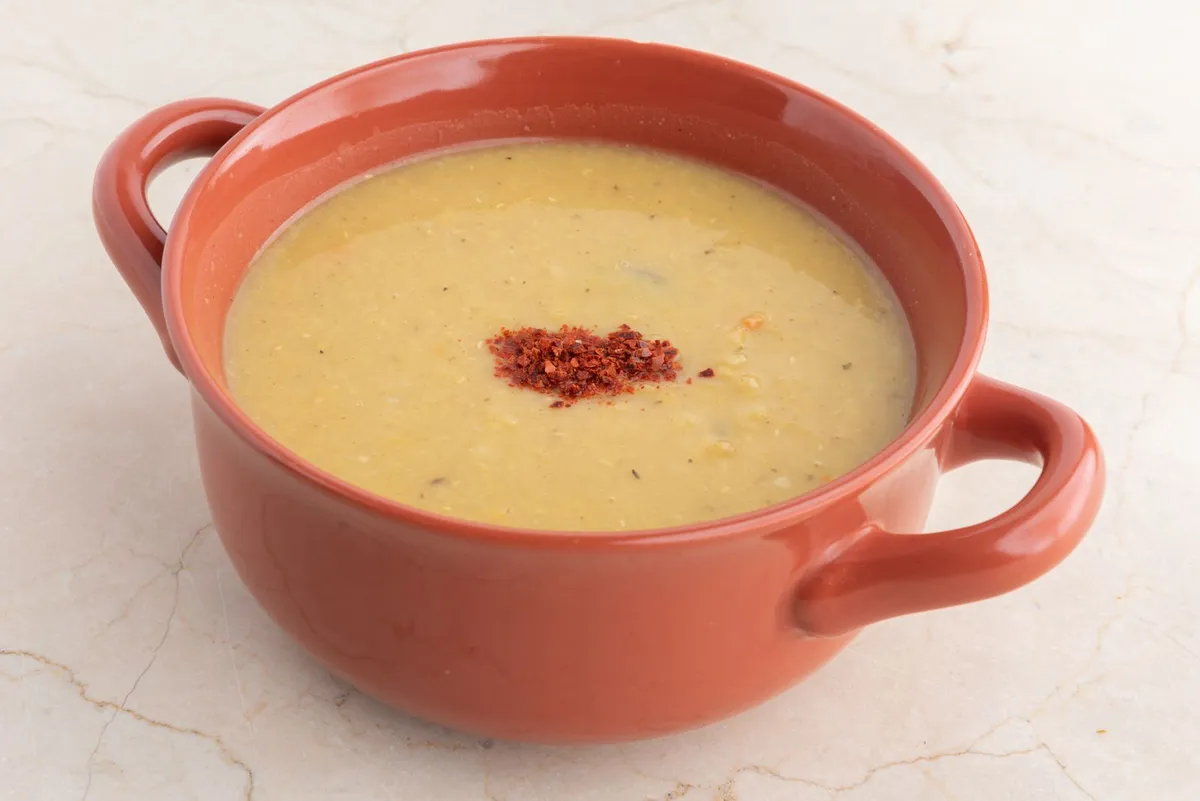
Pulses and vegetables have a low ingredient cost. But guests will not happily pay a restaurant price for a plain lentil soup.
Add value with the recipe and the presentation. Chickpeas baked in a clay pot, fava with capers, stuffed vegetables with rice, octopus stifado. A dish that looks cared for carries a better price.
Add a Lenten dessert as well. Halva, moustalevria or vegan koulourakia round off the meal and raise the bill.
5. Show the dish, do not just describe it
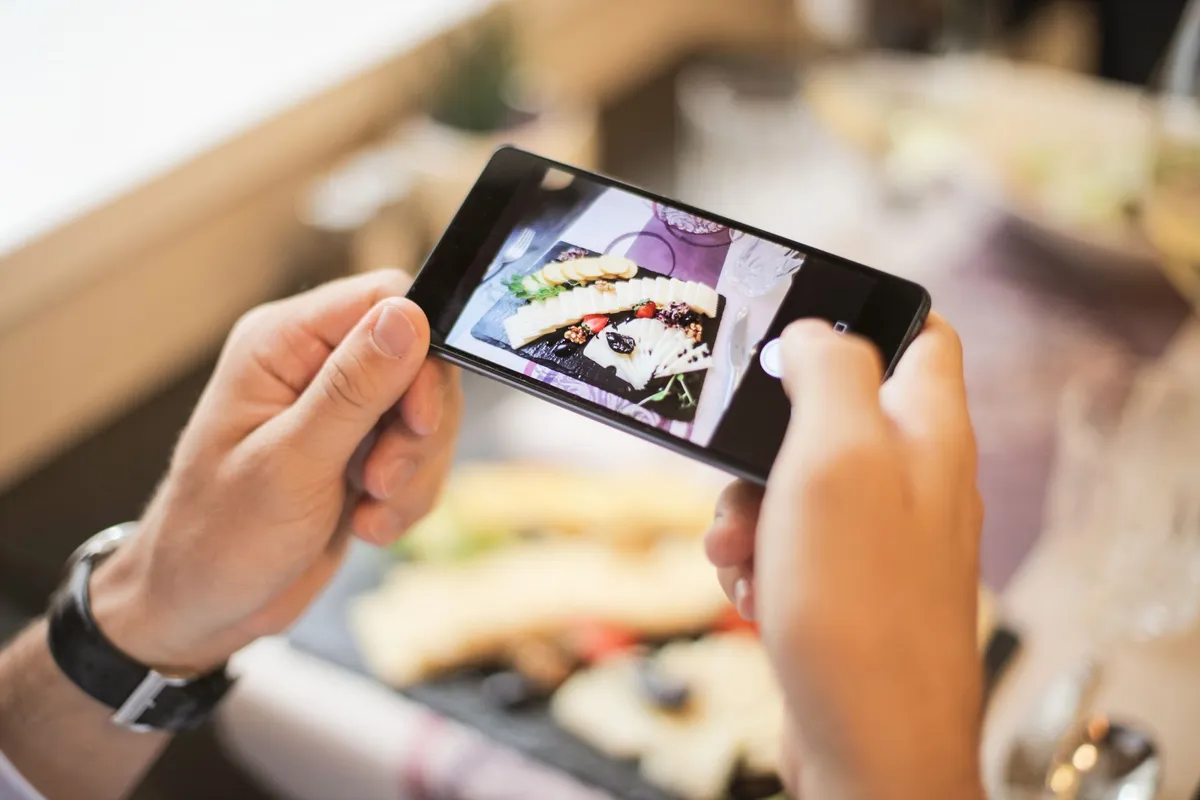
Many people see Lenten food as "poor" food. A good photo changes that image before the plate even reaches the table.
Shoot each dish in daylight, from above or at a slight angle. At Loudlink you upload the photo from your phone and it appears on the menu straight away.
With "Pairs with" you suggest a side. Bean soup goes with olives and bread, fava with a seasonal salad. The table grows without any pressure.
6. Translate the word "Lenten" properly
Foreign visitors rarely know what the Orthodox fast is. They do know what vegan and plant-based mean.
In the translation, do not write just "Lenten". Write "Lenten & plant-based" and mark which dishes are vegan. That way the same category also brings in the vegan tourist of the autumn.
At Loudlink, Basic includes 6 languages in the price, with no extra fee. Premium adds automatic AI translation, and you correct whatever you want.
7. Change the menu when the fast changes
The fast is not the same every day. On Wednesdays and Fridays many people eat without oil, and in the last days before Christmas fish is dropped too.
A printed menu cannot keep up with that. On a digital one you change the dish of the day in the morning from your phone, and the next scan shows the new one.
On 25 December you delete nothing. You switch off "Published" and the dishes are hidden. You bring them back for Easter Lent, ready with photos and translations.
What Loudlink does not do
To be honest: Loudlink does not cook your chickpeas or decide your recipe. It does not take orders, reservations or payments either.
It does one thing and does it well: it shows your menu properly on every phone, and you change it as often as you like. Venues like Big Nick, Lesvion and Captain John already do exactly that.
What a Lenten menu that changes costs
Start with the old way. A printed insert for the fast is one more print cycle. A batch of printed menus comes to roughly 155 € per cycle, as we measured in how much a digital menu costs in 2026. And one wrong price sends you back to the printer.
Loudlink starts from 9 € per month billed annually, that is 108 € a year. That is under 0.30 € a day, less than a single reprint. Changes are unlimited and never billed separately.
See the full plans and pricing.
Frequently asked questions about a Lenten menu
Four questions we hear from owners at this time of year:
- When does the Christmas fast start? On 15 November, and it lasts until 24 December, 40 days in total.
- Do I need a separate printed Lenten menu? No. On a digital menu you add one category and hide its dishes when the fast ends.
- Can I change the dish of the day every morning? Yes, from your phone, as often as you like, at no extra cost.
- Is there a free trial? Yes, 14 days with no credit card. After that you choose a plan from 9 € per month billed annually.
The bottom line
A guest who is fasting wants to find what they can eat, fast. Give them their own category, clear descriptions, photos and a proper translation. They will keep coming back until Christmas.
Want your Lenten menu ready before 15 November? Start a free 14-day trial, with no credit card and no commitment. In a few minutes your menu is live, and today you can add your first Lenten dishes.