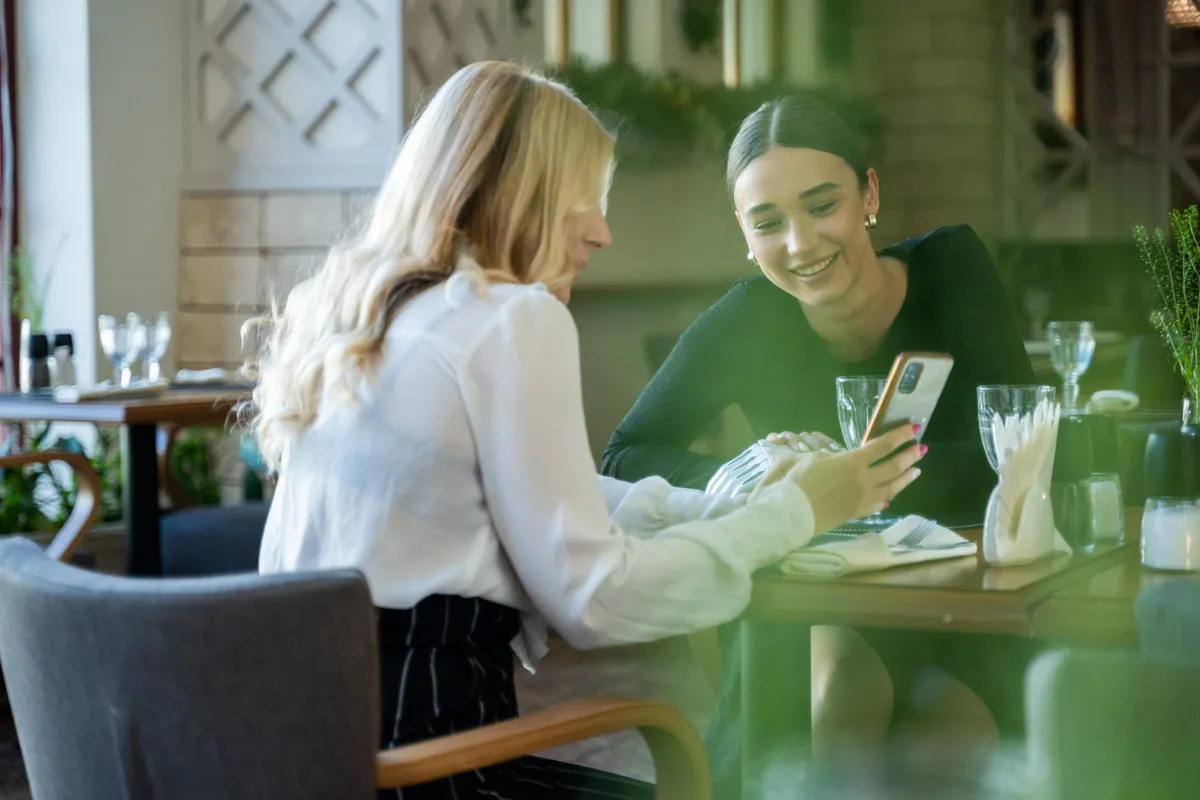
You hear it often in the dining room. "I do not like QR menus, bring me a printed one." And usually the guest is right, but not for the reason you think. They do not hate the technology. They hate the work you hand them just to see what you serve. The QR menu customer experience is decided in the first ten seconds.
The good news is that this is fixable. See why people complain and 7 rules that make your digital QR menu something guests actually enjoy using.
QR menu customer experience: what the numbers really say
The frustration is measurable. In a William Blair survey, over 45% of consumers said they are not comfortable using QR codes on their phone. Among people over 60 the figure reaches 65%.
The same report shows the other side too. According to a 2023 National Restaurant Association report, 73% of Gen Z are interested in menus via QR, against 46% of baby boomers.
So there is no single truth that "guests hate QR menus". There are bad QR menus that tire every age group. And there are good ones, easy to read even for a guest of 65. The difference is execution, not technology.
1. It opens with no app and no sign up
This is the number one reason people give up. The guest scans and is asked to download an app or hand over an email. That is the moment you lose them.
Your menu must open like a simple web page. Scan, look, done. No sign up, no password, no download. If the guest needs instructions, something went wrong.
2. It loads in two seconds, not ten
At the table the signal is often weak. A heavy file does not come down and the guest stares at a blank screen.
A proper menu loads light, with images arriving gradually. The guest sees the categories immediately and starts choosing while the photos come in.
Test it yourself at peak hour. Scan the QR from the furthest table, on the slowest phone you own. If you get bored, so will the guest.
3. It reads without pinch zooming
This is where most of them fail. Behind the QR hides a PDF built for A4 paper. On the screen it turns tiny and the guest struggles to read a price.
That exact moment creates the "I hate QR menus" reaction. See in detail why a PDF costs you customers. A real menu adapts to the screen, with big letters and categories you tap with your thumb.
4. It speaks the language of the guest
A tourist who does not read Greek feels shut out. They order blindly or ask the waiter about every dish, right when the room is full.
With 6 languages inside the menu, the visitor switches language with one tap. See how you serve tourists without a separate file per language. The customer experience improves at once and your staff can breathe.
5. It shows the dishes, it does not only describe them
A dry list of names and prices does not sell. The guest does not know what the dish looks like, so they pick the safe and cheap option.
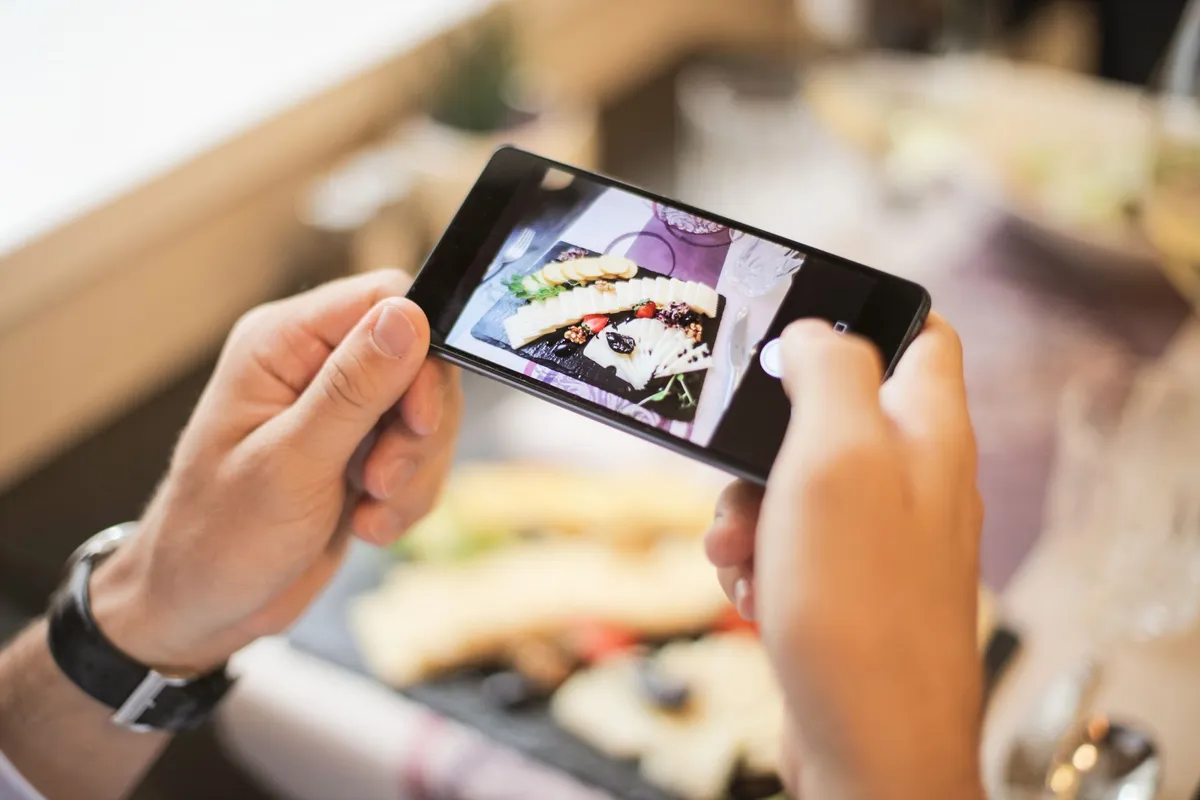
One clean photo per dish changes the decision. The guest sees the dessert, wants it, orders it. The menu becomes a silent seller on the table.
You do not need a photographer to start. Good light by the window, a clean plate and your phone are enough. Begin with the five dishes you want to sell more.
6. It always carries correct prices and allergens
Nothing ruins the experience like a price that is no longer valid. The guest sees it on the receipt and leaves with a bad taste, however good the food was.
You update the digital menu from your phone in seconds, as many times as you want through the year, with no charge per change. That way you keep correct prices and correct allergens every day.
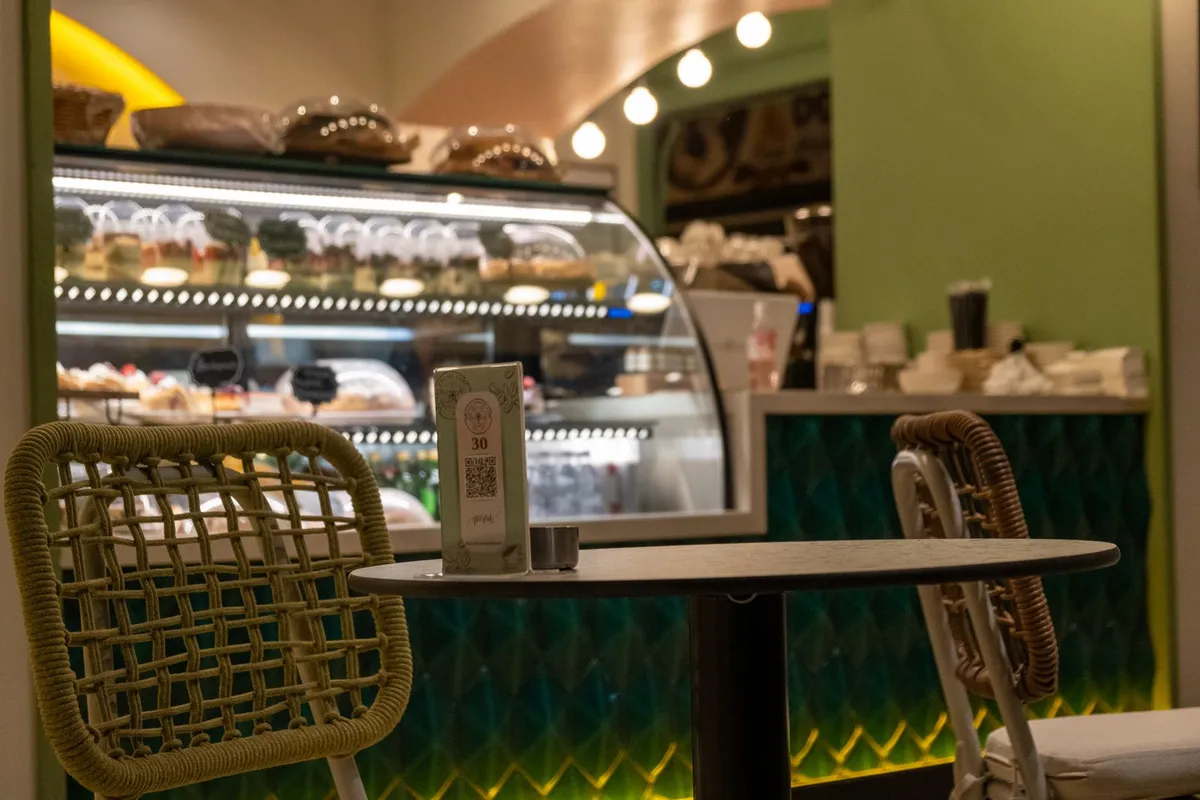
7. The QR is easy to find on the table
A faded sticker under the placemat helps nobody. The guest searches, does not find it and ends up calling the waiter.
Put a clean stand in the middle of the table, with one short instruction. Add the QR to your window too, so passers-by can see prices before they sit down.
One detail people often forget: write the word "Menu" next to the QR, in Greek and in English. The guest knows what they will find and scans without hesitating.
What a QR menu does not do
One thing to make clear from the start. The Loudlink QR menu shows your menu. It does not take orders, it does not handle reservations and it does not process payments.
That is not a gap, it is a choice. Heavy ordering systems are exactly what annoys people. The guest wants to see what you have and then talk to a person.
What an experience that keeps guests coming back really costs
Greek food service turnover fell 1.9% in the first quarter of 2026, according to ELSTAT and POESE. In a year like this, every guest who leaves unhappy counts twice.
Think about what you pay today to avoid losing them. See in detail the hidden costs of printing you cover every season, plus the designer on every change.
The digital menu starts from 9 euros per month billed annually. Less than one daily special per month, with no hidden fees and no extra cost for changes. See the plans and pricing and pick the one that fits you.
Frequently asked questions about the QR menu experience
Four things owners ask us often:
- Does the guest need an app? No. They scan with the phone camera and the menu opens in their browser.
- What if the guest has no internet? Offer free wifi in your venue and keep a few printed copies for anyone who asks.
- Should I keep a printed menu too? A few copies help, especially for older guests. The digital one you update, the printed one you cannot.
- How fast can I change a price? In seconds from your phone, as many times as you want, with no charge per change.
The verdict
The guest does not hate the QR. They hate the PDF they cannot read, the app you ask them to download and the price that is no longer valid.
Fix those three and the customer experience turns in your favor from day one. Try your menu for free for 14 days, without a credit card and with no commitment.