Your drinks list changes more often than a kitchen menu. A label runs out, the winter cocktail arrives, the price of a gin goes up.
A QR menu for bars solves exactly that, but only if it is built for darkness, noise and hurry. See 7 rules that make the difference, and how you set up a digital QR menu that reads standing up, with one hand.
A bar is not a small restaurant
In a restaurant your guest sits down, with light and time. At a bar they stand in front of the bartender, the music is loud and three more people wait behind them.
The decision takes fifteen seconds. Whatever does not read inside those seconds never gets ordered.
And revenue is not helping. In the second quarter of 2026 Greek food service closed at 3.16 billion euro against 3.24 last year, down 2.5%, according to ELSTAT. When revenue tightens, every lost order counts double. A QR menu for bars has a different job from a restaurant menu.
1. Write the list for low light
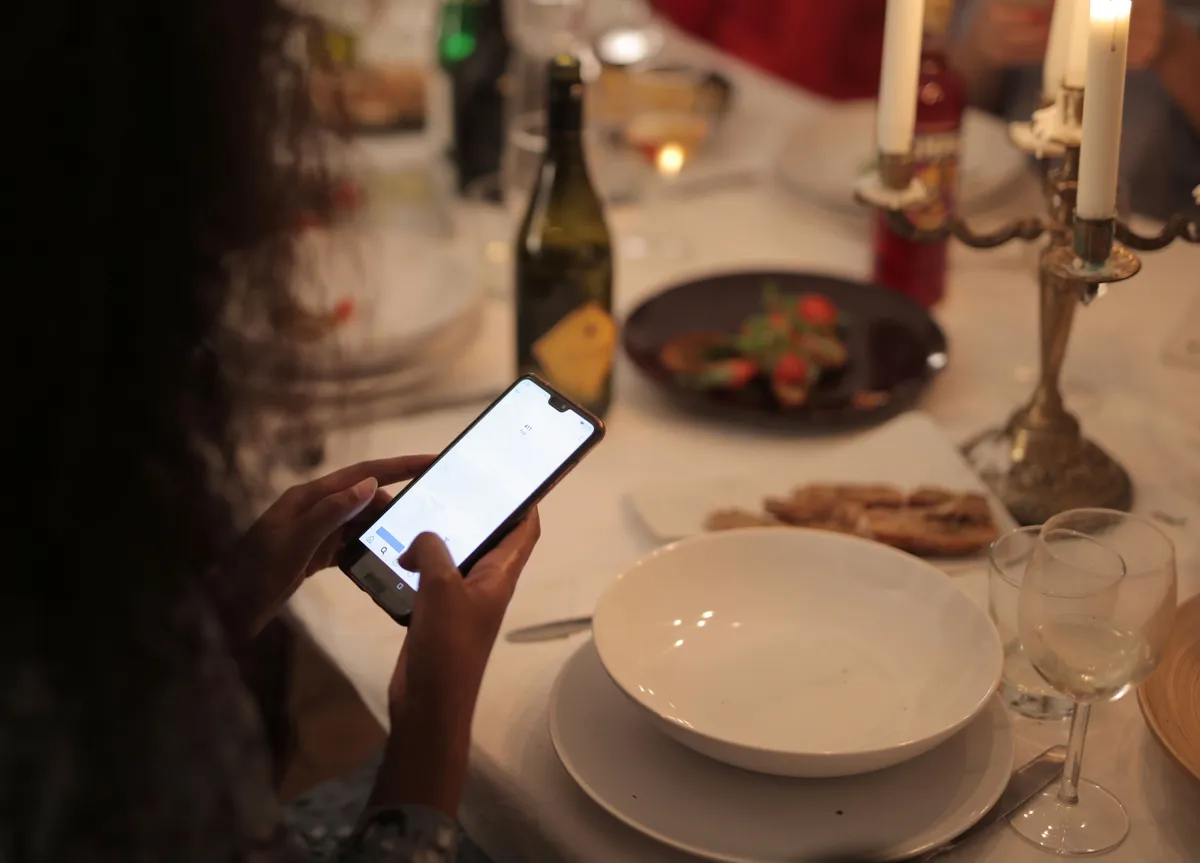
Your bar is dark on purpose. Your drinks list still has to be readable.
Keep large type and strong contrast. Thin grey type over a photo looks lovely on a designer screen and becomes useless at eleven at night.
Test it yourself. Stand at the bar holding the phone the way a guest holds it and read three prices. If you squint, so does your guest.
The same goes for where you put the QR. In the dark nobody goes looking. Put stands on the counter and on the high tables, not one sticker lost in a corner.
2. Start with your own cocktails
An alphabetical list of eighty drinks is a stockroom list, not a menu.
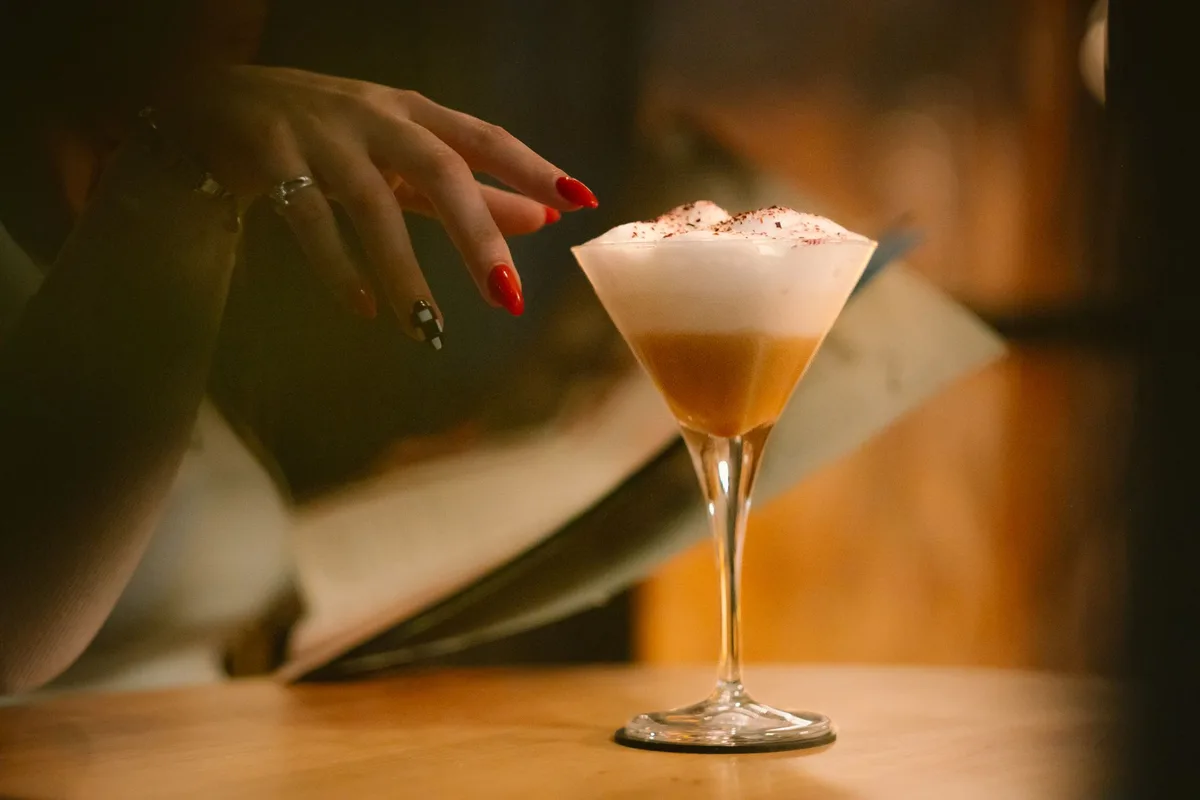
Put five to seven signature cocktails first, each with a name and one line of description. These carry the best margin and they build the character of the place.
Classics go underneath, in their own section. Anyone who knows what they want will find it anyway.
Add a photo to your three strongest ones. At a bar the image works like a window display: the person next to you sees the glass on screen and orders the same.
3. Say what is in the glass
Three ingredients per cocktail is enough. Nobody orders what they cannot picture.
Mark the allergens too, because at a bar they hide in unexpected places: egg white in a sour, milk in the creamy ones, nuts in orgeat. See the 7 steps to list allergens properly.
You also win time during the rush. Every question the list answers is half a minute the bartender spends making drinks instead of explaining.
4. Keep sold out up to date during the night
Nothing spoils an evening like hearing «that one is finished» after the order is in.
With a printed list you can do nothing. With a digital one you remove the drink from your phone in ten seconds and the next scan shows it correctly.
You win the same on seasonal changes. In October you take down the summer drinks, put up the warm ones, and the list is ready before you open.
Watch what you sign, though. Plenty of providers charge per change or allow only a few changes a year, and then you simply stop updating. At Loudlink changes are unlimited and cost not one euro extra. See what you really pay when every change is billed.
5. Give real space to the no-alcohol drinks
The category grows every year. Volumes of no-alcohol drinks are estimated to have risen 9% during 2025, with 36% growth forecast between 2024 and 2029, according to IWSR.
At the table you see it clearly. The designated driver wants something serious in the glass too.
Build three mocktails with their own section and their own price. Not juices at the bottom of the list, next to the soft drinks.
6. Speak the language your visitors read
A visitor who cannot read the list orders a beer. It is the safe choice, and the cheapest one for you.
A 10 € cocktail instead of a 5 € beer doubles the same table. Translation is not politeness, it is revenue.
At Loudlink the 6 languages sit inside the Basic price, with no fee per language and no add-ons.
7. Do not send the QR to a PDF file
That is the fastest way to cancel everything above.
A PDF opens slowly, needs zoom and two fingers, and in the dark it turns into a chore. Some phones even download it to a folder instead of showing it.
A proper QR menu for bars opens like a page: sections, photos, the right size on screen, zero zooming.
What a QR menu for bars costs
Put the print shop numbers side by side first. A batch of 30 lists comes to roughly 155 € per cycle, based on the prices we measured in how much a digital menu costs in 2026.
But a bar does not change its list once a year. It changes in winter, it changes in summer, it changes when a label disappears. Three cycles make 465 €, and you bought nothing new.
Loudlink starts from 9 € per month billed annually, that is 108 € a year. About two cocktails a month. See the plans and pricing.
Frequently asked questions about a QR menu at a bar
Four questions we hear from bar owners:
- Does the guest need an app? No. They scan with the phone camera and the browser opens, with nothing to install.
- Is it readable in a dark bar? Yes, if the list has large type and strong contrast. The phone lights itself, the problem is always the size.
- Can I change a price during the night? Yes. You change it from your phone and the next scan shows the new price, with no reprint.
- Does it take orders? No, and we say it plainly. Loudlink shows your menu. It does not take orders, it does not hold tables and it does not process payments.
The verdict
A bar sells in fifteen seconds, in the dark, over noise. A good QR menu for bars works in exactly those conditions, otherwise it does not work at all.
If you want to see the difference before you pay a euro, start a free 14-day trial, with no credit card and no commitment. In a few minutes your list is live on the tables.