A guest sits down at your table, takes out their phone and scans a small square symbol. In one second they see your entire menu. This is a QR menu, and in 2026 you see it in more and more places across Greece. If you are wondering what a QR menu is and how it works, here you get a clear, complete answer. A good digital QR menu answers your guests on its own, in every language.
You do not need technical knowledge to understand how it works, nor to build one. See step by step what it is, how the guest scans it, how it differs from a plain PDF and why it costs less than a single reprint.
1. What is a QR menu
A QR menu is your store's catalog in digital form, opening on the guest's phone through a QR code. The guest scans, the menu appears on the screen, done. No app, no download, no waiting.
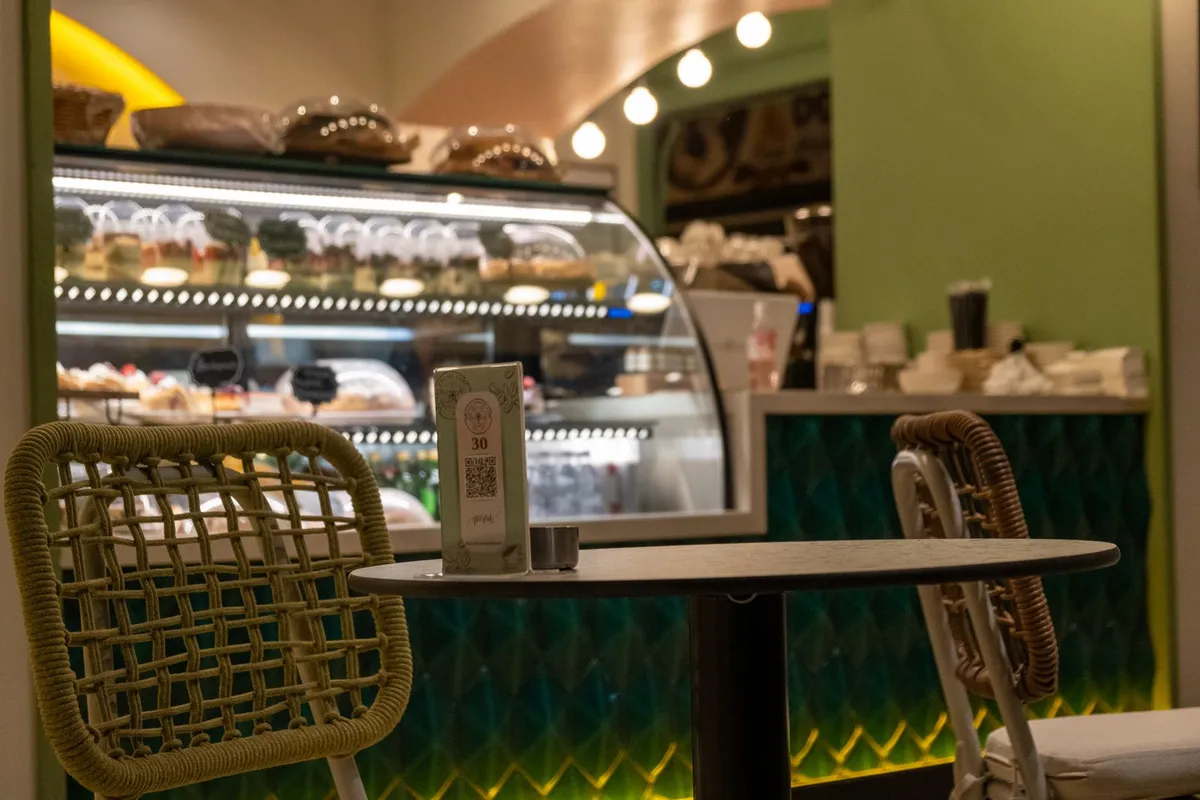
The QR code is a square symbol that hides a link inside it. You print it once on a stand or a sticker. From then on, anything you change in the menu is seen by everyone right away.
Unlike the printed catalog, the QR menu lives online. You update a price from your phone and it applies at that very moment, at every table. The paper stays the same, the content refreshes whenever you want. That way the guest always sees the correct price, with no surprises at the table.
2. How a QR menu works, step by step
The process is simple, both for you and for the guest. Here is what happens from the moment you set up the menu to the moment the guest reads it:
- You build the menu online, with categories, prices, photos and descriptions.
- The system creates a unique QR code for your store.
- You print the code on a stand, a poster or a sticker on the table.
- The guest opens the phone camera and scans the code.
- The menu opens in their browser, clean and organized, with no app.
When you want to change something, you log in from your phone or computer and fix it. The QR code stays the same forever. You never reprint anything again.
3. Does the guest need to download an app?
No, and it is the most common question. The guest downloads no app at all. The QR menu opens directly in the phone browser, like any website.
They create no account and give no details. They scan and they look. This speed is what makes the difference in the experience. A guest who has to wait for an app to download usually gives up halfway. And no one, at any age, wants to download an app just for a menu.
4. QR menu vs PDF: why they are not the same
This is where many get confused. A PDF that opens with a QR is not a real QR menu. It is an image of the printed catalog, stuck onto a screen.
The PDF needs finger zoom to be read. It has no categories, no search, and it does not show dish photos properly. The guest gets frustrated, and the bad experience sticks. Every time a price changes, you need the designer again to make a new file.
A proper QR menu is interactive. The guest taps a category, sees photos, reads allergens, switches language. You update it yourself, with no third parties and no charge for every change.
5. What a QR menu does and does not do
Let us be honest, because that is how trust is built. The QR menu shows your menu, nothing less and nothing more. It takes no orders, makes no reservations, handles no payments.
And this is on purpose. It keeps the menu clean and fast, without extra steps that tire the guest. What it does do, it does perfectly:
- Shows categories, prices, photos and dish descriptions.
- Displays allergens and the information the law requires.
- Translates the menu automatically into many languages for tourists.
- Refreshes in seconds, whenever you change a price or a dish.
6. How much it costs and how you start today
Before we talk prices, think about the cost of the printed catalog. Every copy needs paper, lamination and often a designer. And every season change starts the same cycle from scratch. See how many hidden costs printing carries through the year.
The QR menu starts from 9 euros per month billed annually. Less than the cost of one coffee a day. And you never pay again for a price change or a new dish. Seen over time, the cost gap against paper becomes huge.
Setup takes a few minutes, not days. You build your menu step by step and it is ready today. See Loudlink's plans and pricing and start with a free 14 day trial, without a credit card and with no commitment.
Frequently asked questions about the QR menu
The most common questions, with short answers:
- What is a QR menu? A digital catalog that opens on the guest's phone through a QR code, with no app.
- Does the guest need internet? Yes, a simple WiFi or data connection is enough to open the menu.
- Can I change it myself? Yes, you update it from your phone whenever you want, with no designer and no extra charge.
- Does it fit cafes, bars and restaurants? Yes, the QR menu works for every type of food business.
The QR menu in simple words
The QR menu is the simplest way to bring your menu to every guest's phone. No printing, no delays, no cost for every change. You update once and it applies everywhere.
All you need is a few minutes to start. Build your digital menu for free for 14 days, without a credit card. Give your guests the experience they expect in 2026.