Want a QR menu for your business but not sure where to start? Good news: you need zero tech skills. This guide walks you through it step by step: how to build your menu, download your QR code and put it on the table. All in 10 minutes.
Why it pays to ditch the printed menu
Every time prices change or a new dish shows up, printed menus turn into waste. A laminated A4 menu costs €1.50 to €4 per copy, and most venues reprint them 2-3 times a year. By year end, the bill easily hits €300-500 on printing alone.
Beyond the cost, paper menus wear out, get stained, and foreign guests often cannot read them. A digital menu fixes all of that at once. With a QR menu for your restaurant or cafe:
- You change prices in seconds, with no printing.
- Customers scan with their phone, no app to download.
- You add photos, allergens and descriptions in several languages.
- You see analytics: which dishes your customers view the most.
- You cut the wait: customers read the menu before the waiter reaches the table.
What you need to get started
No special equipment. No tech skills. Just three things:
- A laptop or phone, whatever you have.
- A list of your products and prices. Even a handwritten one does the job.
- A free Loudlink account. No cost to get started.
Nothing else. No domain, no hosting, no designer, no developer. The platform handles it all for you.
Step 1: Create a free account
Head to Loudlink and sign up for free. No credit card needed. Enter your email, a password and your business name. In under 2 minutes your account is live and you are inside the dashboard.
Step 2: Create your menu categories
Add your categories: starters, mains, desserts, drinks, coffee. In each one you add products with a name, price, short description, photo and allergens. Got a lot of products? Bulk import them from a file.
Step 3: Pick your design
Loudlink gives you ready-made templates you tweak to match your business colours and logo. No design skills needed: pick a template, drop in your logo, and your menu already looks professional.
Step 4: Get your QR code
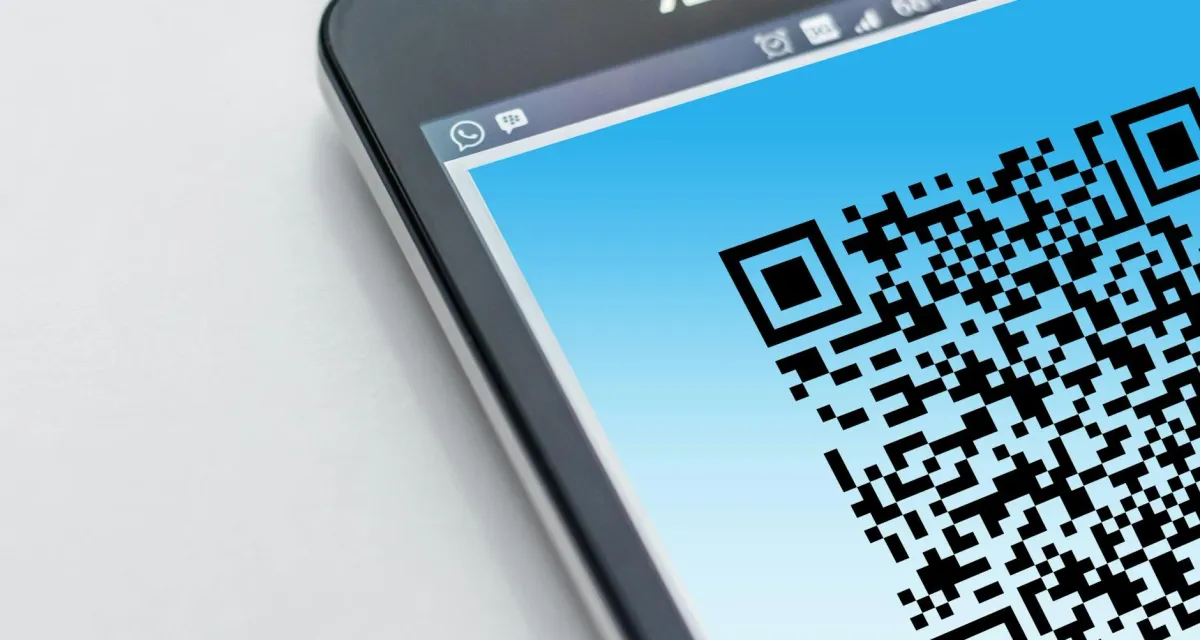
Once your menu is done, the system automatically generates a QR code ready to print. Download it as a PNG or PDF and put it on table cards, stickers or QR stands, purpose-built holders that give your venue an even more professional look.
Step 5: Place it and get your first scan
Put the QR code on your tables and you are live. Every scan is logged automatically. From that moment you see how many people scanned, which categories open the most and when your traffic peaks.
How long does it take in practice?
For a venue with 30-50 products, like a typical cafe or bar, building a QR menu takes 8-12 minutes. If your list is already in Excel or Word, even less. Your first QR stands can be on the tables as early as today.
QR code use in hospitality has grown 300% since 2020 and keeps climbing. Customers are already used to scanning. You do not need to explain a thing.
Free or paid plan?
Loudlink has a free plan that covers the basics: a menu with unlimited categories, a QR code and basic analytics. Want translation, Google reviews, campaigns and advanced analytics? Plans start at €9 per month.
For most cafes and bars, the Basic plan comfortably covers day-to-day operations.
What happens when you change prices or dishes?
This is probably the biggest advantage of a digital menu. Open the dashboard, change whatever you want, and the update shows up on your QR menu right away. You never reprint. You never pay a designer again. You do not lose a single hour.
Seasonal menus, daily specials, price changes when ingredient costs shift: it all takes seconds, from any device. Even from your phone, right there in the shop.
Conclusion
There is no reason to put it off any longer. You now know exactly how to build a QR menu: 5 steps, under 10 minutes, zero tech skills. The result is a modern, professional QR menu that reflects your business and saves you time and money every month.
The Loudlink QR digital menu updates as often as you like, with no per-change fee like PDF menus. Start today, for free.