
Pick a layout
The menu design step defines how your menu looks. On the right you see a live phone preview that updates with every change.
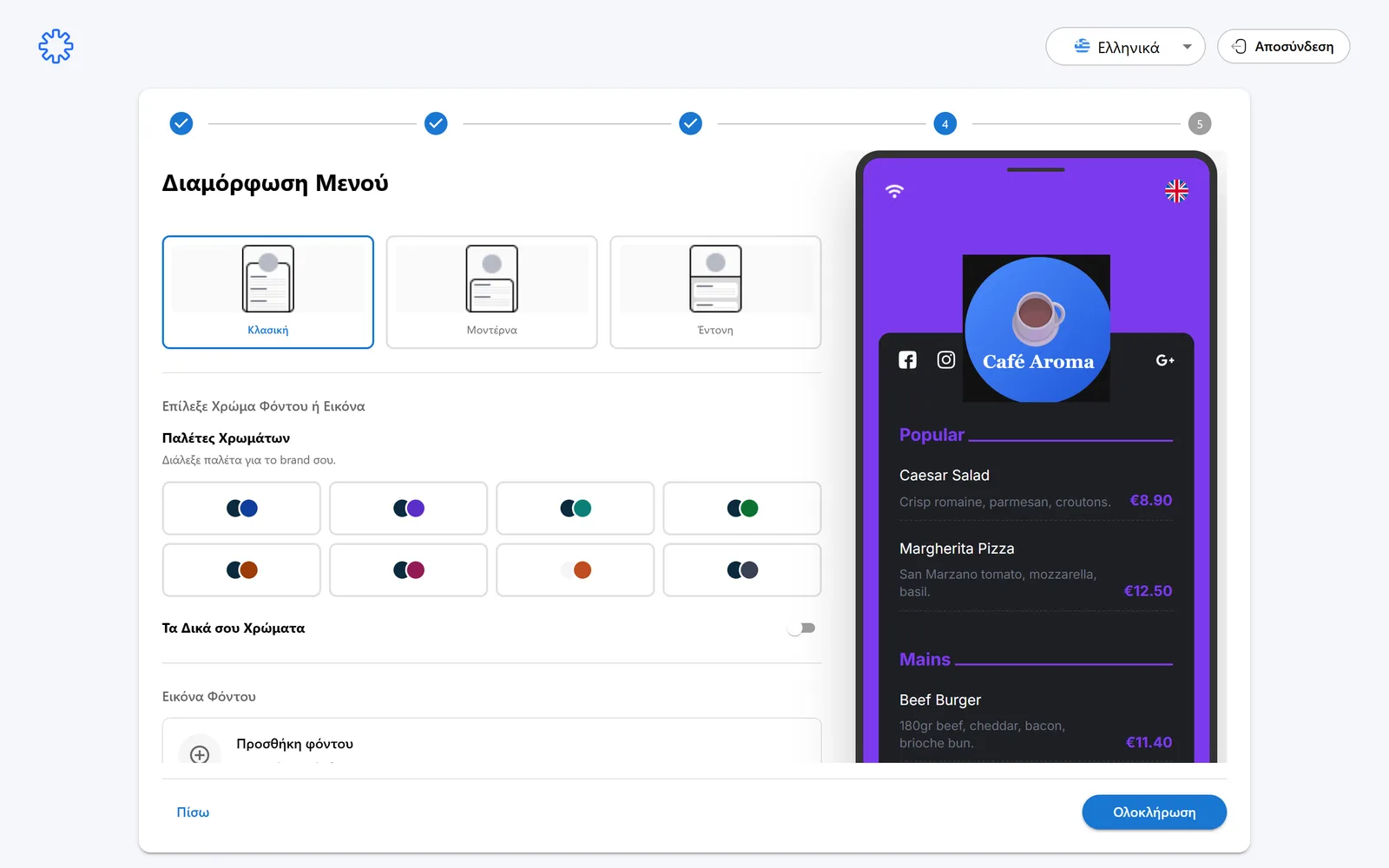
- Classic: a clean list, without large images.
- Modern: with product images.
- Bold: with large images, for a strong visual result.
Colors or a background image
- Pick a ready made palette from the color palettes.
- Or enable your own colors for a custom combination.
- Or upload a background image. Recommended size 1080×1920px.
Tip
With a background image, keep one main brand color too, for a consistent store look.
Font
Pick a font style: Classic, Vintage, Playful, Calm, Professional or Futuristic.
Tip
Match the feel of your space. Elegant for a restaurant, more casual for a cafe.
Click Finish
When you like the preview, click the Finish button at the bottom right.
Done!
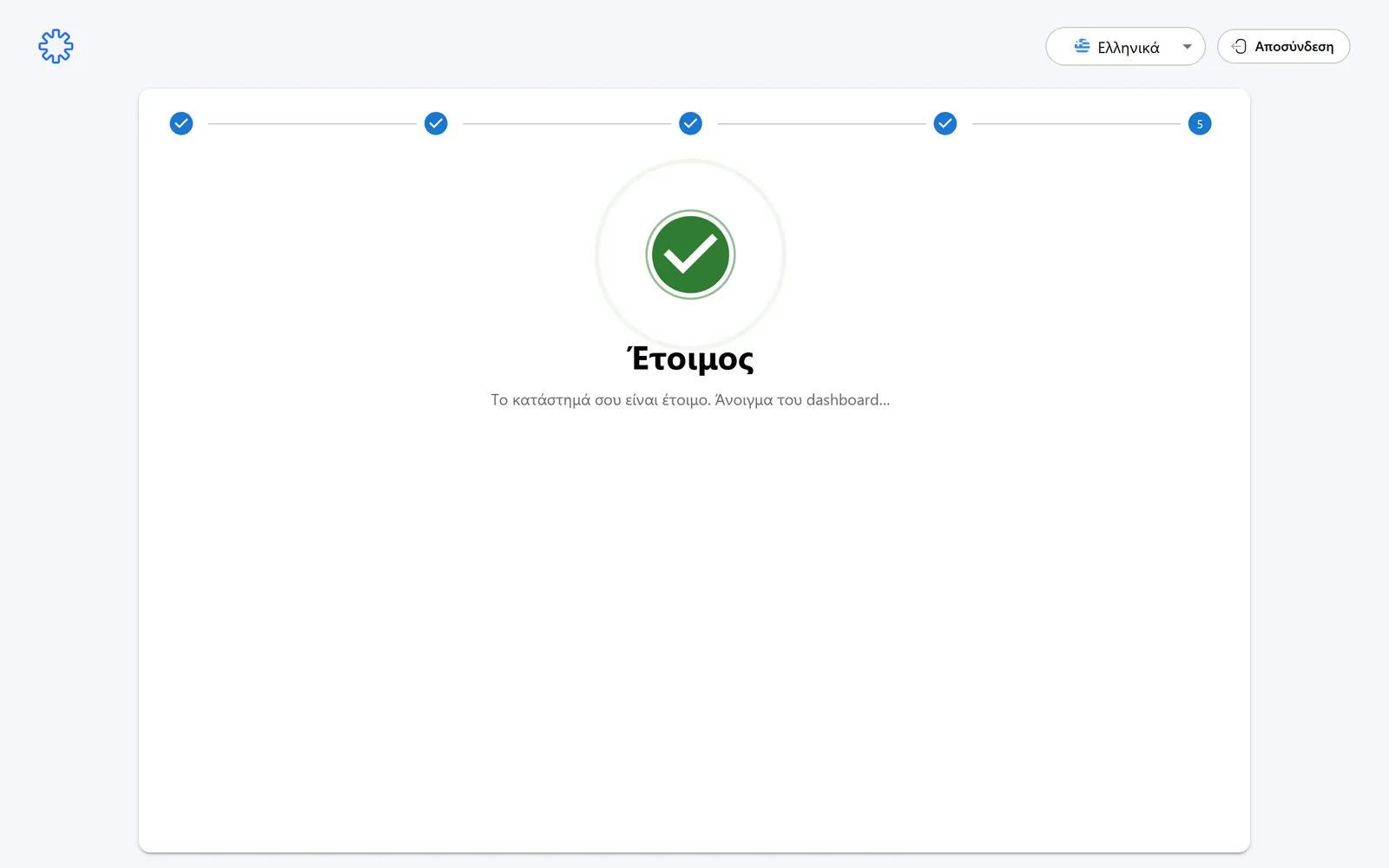
You see the message that your store is ready and the dashboard opens automatically.
Your menu is already live. Continue to the Menu Management guides for everyday use.
Need help?
If something does not work out, do not waste time. Our team replies fast to every question.